7 Revenue-Draining Google Ads Mistakes (and the Fixes)
Google Ads drives high-intent traffic, but it can burn budget fast if you are not careful. The 7 mistakes we see most in ecommerce, and exactly how to fix them.
Off Leesh Digital
Founder & Director, Off Leesh

If you are running an ecommerce brand doing between $10k and $250k+ a month, you know the pressure. You are past the "garage startup" phase, and you have got a product people actually want. But scaling? That is where the wheels usually fall off.
Google Ads is the undisputed king of high-intent traffic, but it is also a high-speed vacuum for your marketing budget if you are not careful. We have seen hundreds of accounts at Off Leesh, and the same patterns emerge over and over. Brands think they have a "scaling problem," but what they actually have is a "leaky bucket" problem.
Here are the 7 revenue-draining Google Ads mistakes hurting your growth, and exactly how to fix them.
1. The Broad Match Landmine
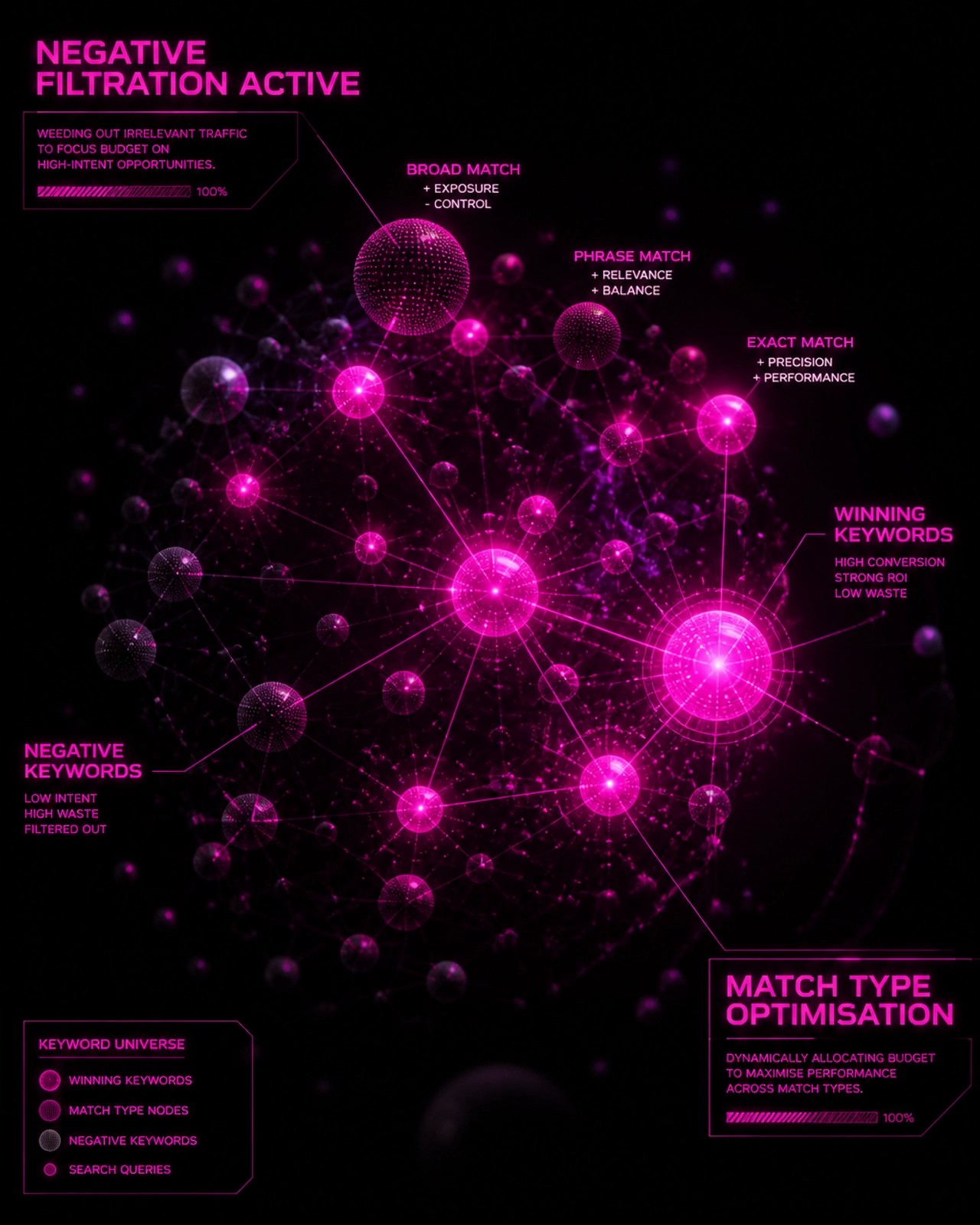
Google loves Broad Match. Why? Because it lets them spend your money on anything "remotely related" to your keyword. If you sell "luxury leather boots," Google might decide that "cheap plastic rain shoes" is close enough.
For most brands, efficiency is everything. Jumping into Broad Match without a massive library of conversion data, or a bulletproof list of negative keywords, is a recipe for a 0.5x ROAS.
The Fix: Stick to Phrase Match and Exact Match until you have at least 50 to 100 conversions per month in a campaign. Only then should you test Broad Match, and even then, only with a Smart Bidding strategy like Target ROAS to act as a guardrail.
2. The "Set and Forget" Negative Keyword Strategy
Most founders add a few negative keywords when they launch and then never look at their Search Terms Report again. Meanwhile, Google's "Close Variants" update means your ads are showing up for searches that have nothing to do with your brand.
If you are not aggressively pruning your search terms, you are subsidising Google's shareholders at the expense of your own margins.
The Fix: Set a weekly "Command Centre" session. Audit your search terms and exclude anything that does not scream "intent to buy." Look for patterns in wasted spend, low-converting queries, and irrelevant intent. Build negative keyword lists by theme, such as job seekers, DIY searches, cheap-price hunters, or unrelated product categories, then apply them at the right campaign level.
3. Account Structure Bloat (The "Messy Room" Syndrome)
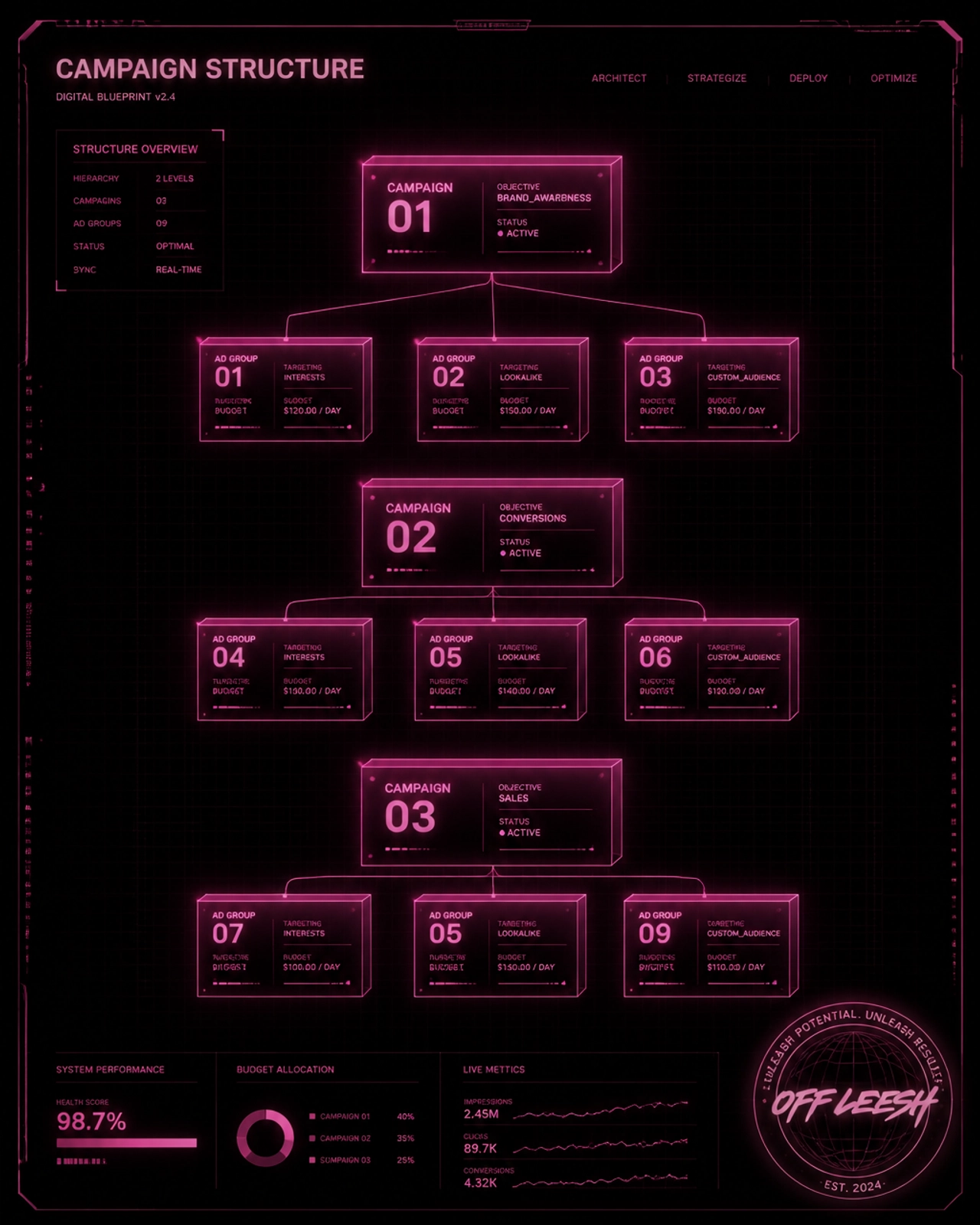
We see it all the time: 15 different campaigns, 50 ad groups, and a budget spread thinner than a politician's promises. When you fragment your data like this, Google's AI cannot learn. It needs "signal density". Basically, it needs a lot of conversions happening in one place to figure out who your buyers are.
The Fix: Consolidate. Move towards a simplified structure. Group your products by performance or category rather than splitting them into tiny, individual campaigns. Fewer campaigns means more data per campaign, which means smarter AI, which means better ROAS. The goal is to give the system stronger signal density, cleaner budget allocation, and enough conversion volume to optimise properly. For a deeper look at how campaign structure interacts with feed quality, read our Google Shopping Management Guide.
4. Conversion Tracking Blind Spots
If your tracking is broken, you are flying blind in a storm. We often find accounts that are double-counting conversions, tracking "Add to Carts" as "Purchases," or failing to send profit data back to Google.
If Google thinks a $20 sale is the same as a $200 sale, it is going to spend your money finding the $20 buyers all day long.
The Fix: Audit your Google Tag Manager. Ensure you are using the Google Ads Conversion Tracking Tag (not just importing from GA4, which often under-reports). Set up Enhanced Conversions to recover data lost to privacy changes and iOS updates.
Make sure you are not counting secondary conversion metrics like "Add To Cart" and "Checkout Initiated" as Primary conversion metrics in Google. You will find that in Goals > Conversions > Summary.
5. Ignoring the First-Party Goldmine

One of the biggest mistakes is brands relying entirely on Google's "In-Market" audiences. But your best data is already sitting in your Shopify store.
Failing to feed your customer list back into Google means you are missing out on Customer Match. This allows Google to find "Lookalike" audiences that actually resemble your real buyers, not just random "people interested in shoes." This connects directly to the first-party data strategies we cover in our Shopify Product Network guide.
The Fix: Sync your customer segments (VIPs, repeat buyers, non-buyers) directly to Google Ads. Use this data to power your Performance Max and Search campaigns. It provides the "seed" the algorithm needs to scale profitably.
6. Bidding Strategy Mismatches
Are you using "Maximise Conversions" when you should be using "Target ROAS"? Or worse, are you still using Manual CPC in a world run by machine learning?
Setting a Target ROAS (tROAS) that is too high will choke your volume. Setting it too low will tank your profitability.
The Fix: Start with Maximise Conversion Value to give the system some breathing room. Once you have a steady stream of data, switch to tROAS. Set your initial tROAS slightly lower than your actual goal to let the campaign scale, then slowly increase it as the algorithm finds its groove. We cover how this interacts with AI Max in our Google AI Max guide.
7. Treating Search Ads Like "Text Only"
Google Ads is no longer just about the headline and description. If you are not using every single Ad Asset (formerly extensions) available, you are taking up less real estate on the screen and seeing lower Click-Through Rates (CTR).
Worse, many brands ignore the creative side of Google Shopping vs Performance Max. If your product images look like they were taken on a Nokia 3310, no amount of "optimisation" will save you.
The Fix: Use Site Links, Callouts, Structured Snippets, and high-res Image Assets. Treat your Shopping feed like your shop window: it needs to be pristine. Make sure your product titles are clear, your images are sharp, and your assets support the buyer's decision rather than just filling space.
Stop Guessing. Start Scaling.
The difference between a brand stuck at $30k/month and one hitting $250k+/month is not luck. It is data. It is about having a testing-to-scaling methodology that cuts losers fast and doubles down on winners.
If you are tired of inconsistent results and agency fluff, let us talk. We do not do guesswork. We use AI-powered real-time analysis and a proven framework that has generated millions in revenue for brands just like yours.
Ready to see what is actually happening under the hood of your account? Get a Free Account Audit and Strategy Session.
Want results like this for your brand?
We run Google and Meta ads for ecommerce brands doing $10k–$250k+/month. Month-to-month, no lock-in, direct access to your strategist.